How to Handle Electronics During an Elgin Home Cleanout
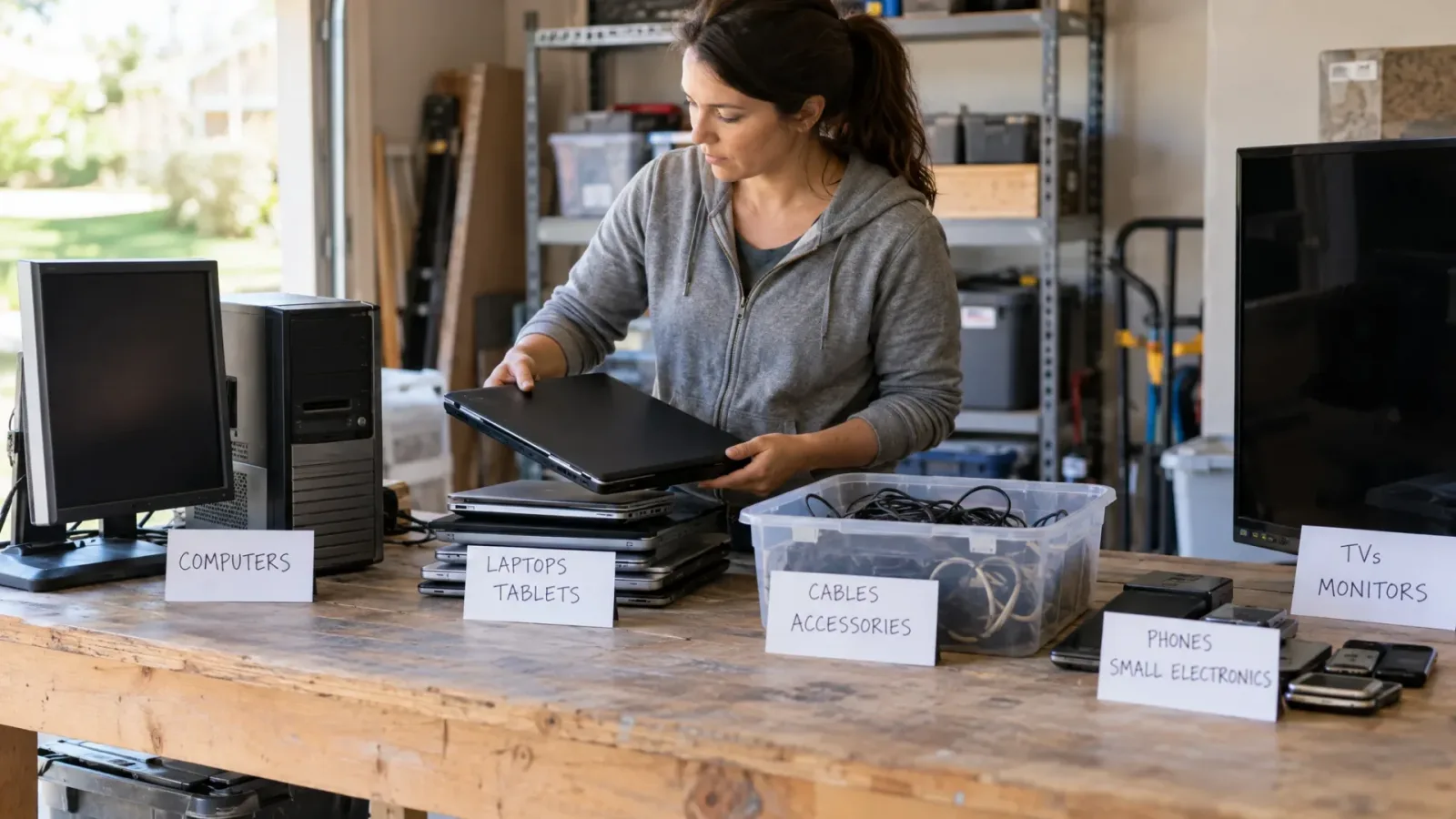
Give unwanted electronics their own sorting area—not a place in the dumpster pile. List the devices, prepare them for handoff, and confirm a receiving option for each type. Meanwhile, keep loading only the household debris your dumpster provider has approved.
Treat recycling acceptance and dumpster approval as separate questions. Ask the receiver what it will take; ask the dumpster provider what may go in the container. Do not treat either answer as permission from the other.
Turn the electronics pile into a receiving request
Inventory computers, laptops, monitors, televisions, phones, tablets, printers, cables, and loose batteries. Record quantities, readable model numbers, and condition. For televisions and monitors, note approximate screen size and any broken screens.
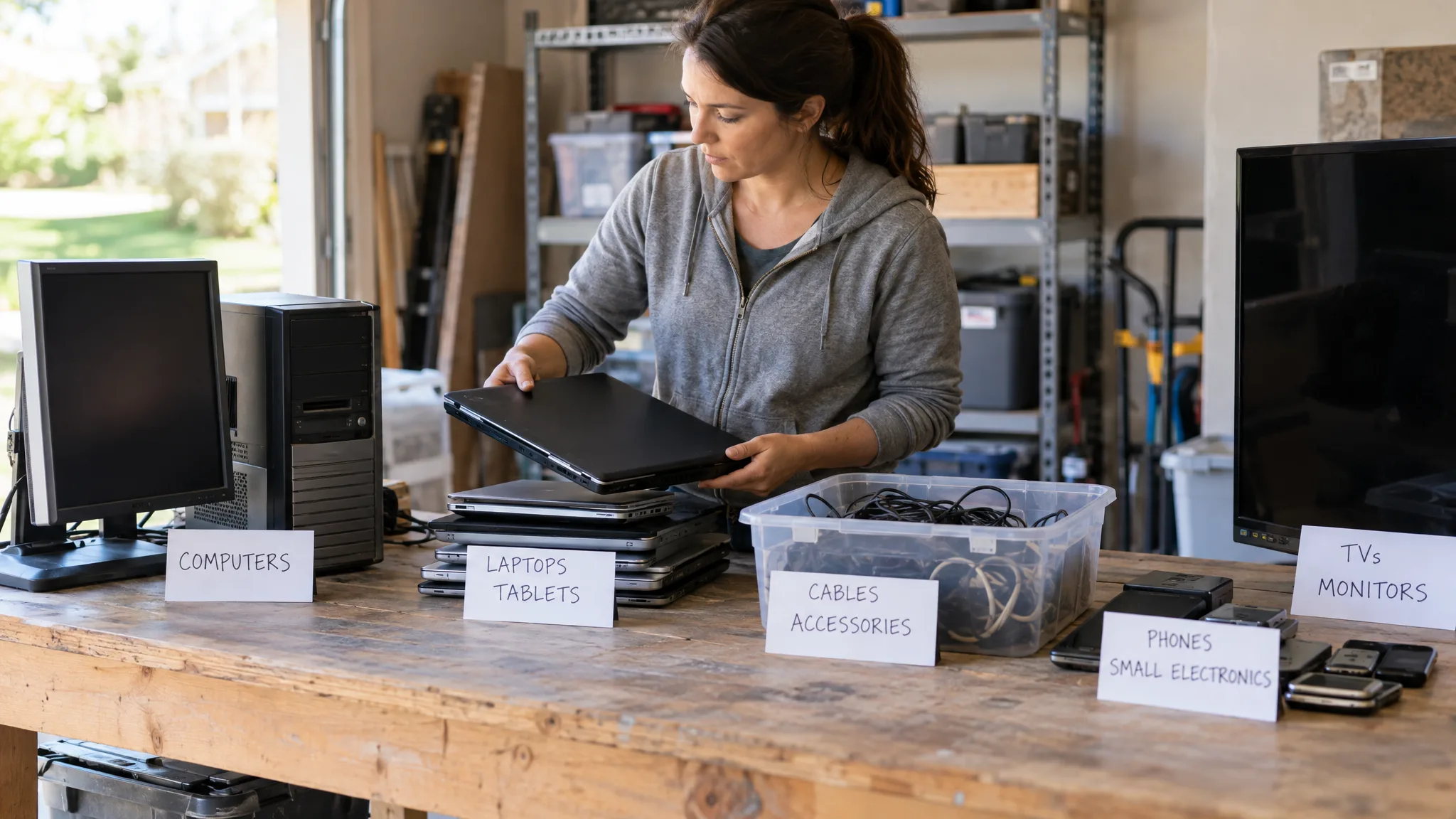
Use that list when contacting a recycling, manufacturer take-back, or donation program. Rather than asking only whether it accepts “electronics,” ask:
- Will you take every item on this list in its present condition?
- Can an Elgin household use the program, and is proof of eligibility required?
- What fees, quantity limits, or appointment requirements apply?
- How should devices and batteries be prepared, packaged, and delivered?
If only part of the list is accepted, mark those items with their destination and keep the unresolved devices separate. Confirm the receiving address and drop-off arrangements before traveling.
Resolve data and battery preparation before handoff
Back up information you want to keep before erasing a device. Use the manufacturer’s instructions for that model to address account sign-out, account locks, and data erasure rather than relying on a generic reset procedure.
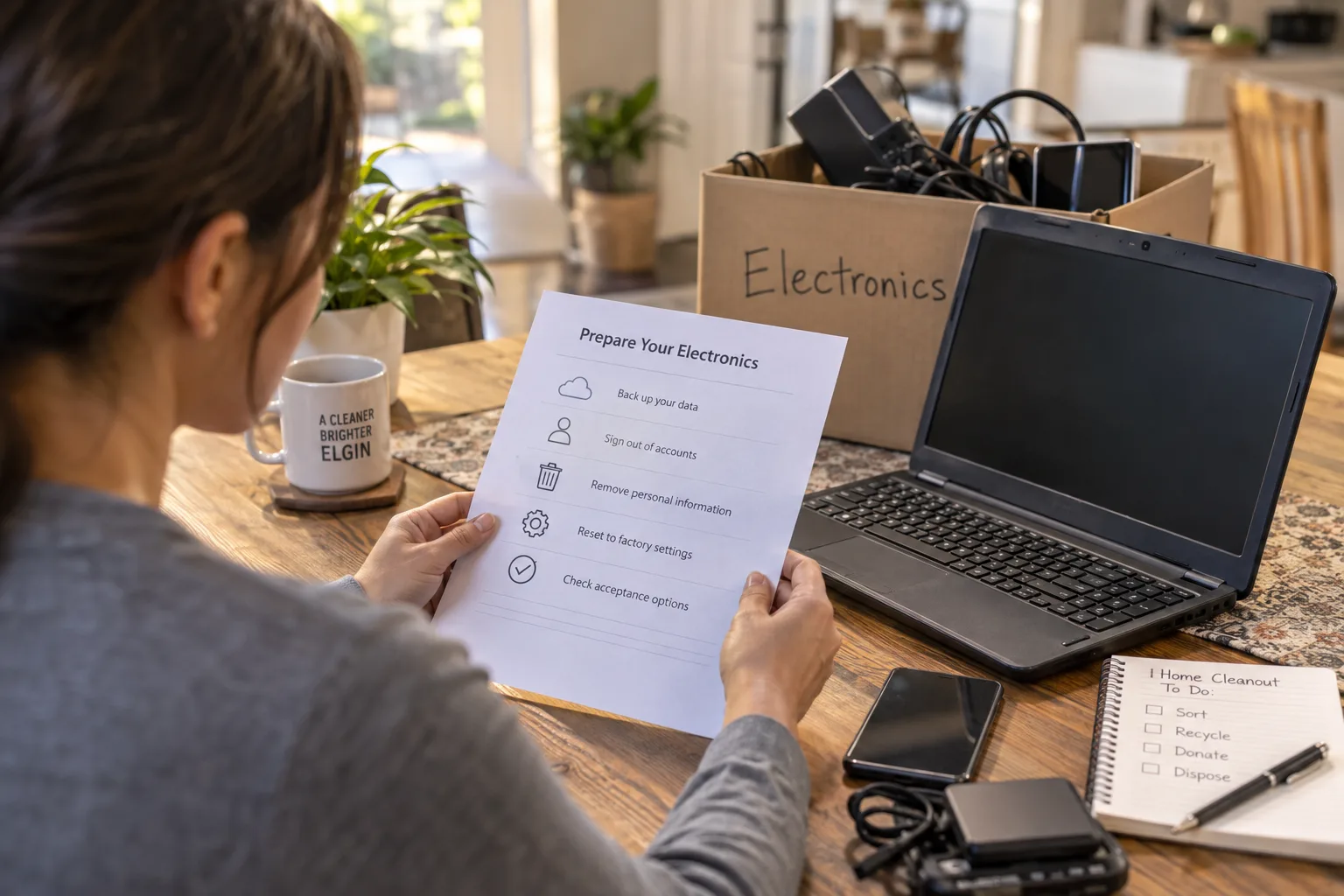
If the device will not turn on, ask the receiver what data-handling service it offers and what documentation it provides. For an estate cleanout, confirm permission before accessing or erasing someone else’s information.
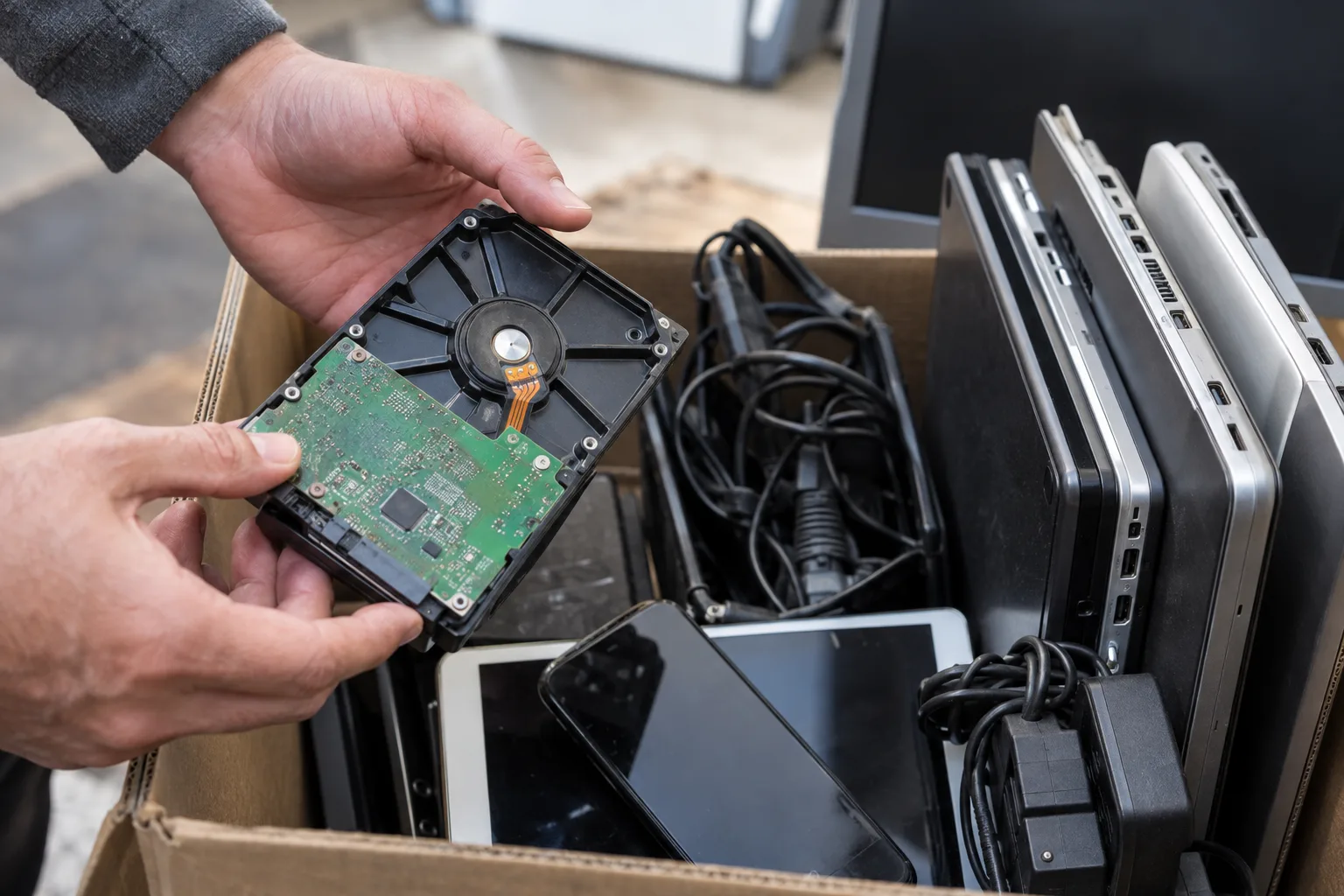
Do not dismantle a device just to prepare it for disposal. Check model-specific instructions before attempting battery removal, and ask the receiver whether batteries should remain installed. Describe any swollen, leaking, or damaged batteries and request handling instructions before packing or transporting them.
Keep the remaining cleanout moving
Label the electronics area “Do not load” and tell everyone helping which items are still awaiting a destination.
For Elgin dumpster rental for the remaining cleanout debris, send Grime Time your household debris inventory with electronics listed separately, or call 512-387-5802. Request a size recommendation and confirmation of accepted materials. Check what an Elgin dumpster quote should include, including weight allowance, rental duration, delivery, and pickup, before booking.